Everything you will need as an employee in one place
1
Start your day
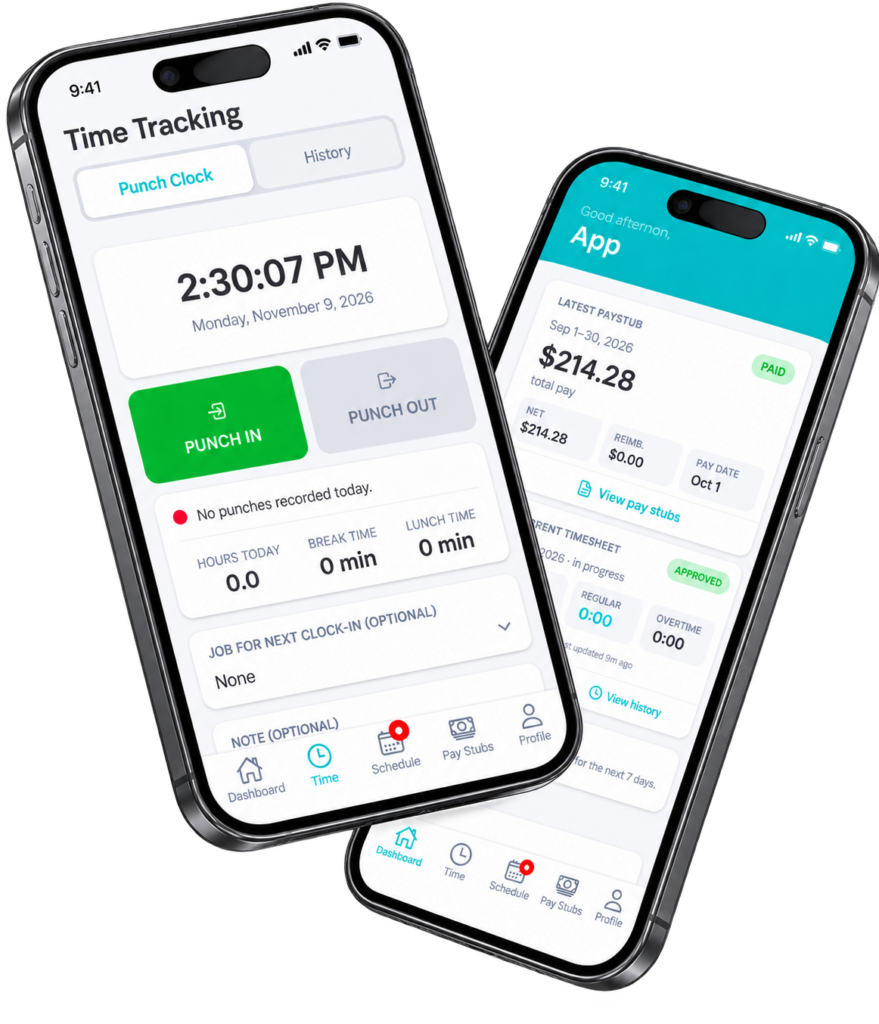
Open the app and see what’s next: your upcoming shift, your latest pay, and shortcuts to what you use most.
2
Clock in with a tap
Start your shift, take your breaks, and clock out. The app keeps track as you go.
3
Stay in the loop
When your schedule changes, you’ll know right away, and you can respond from your phone.
4
Get paid, no chasing
Your pay details are ready on payday and your records are always at your fingertips.
Your Team’s Workday, in Their Pocket
Employees handle their time, shifts and pay from their phone. You stay in control from ABMBooks.1
Clock In & Out
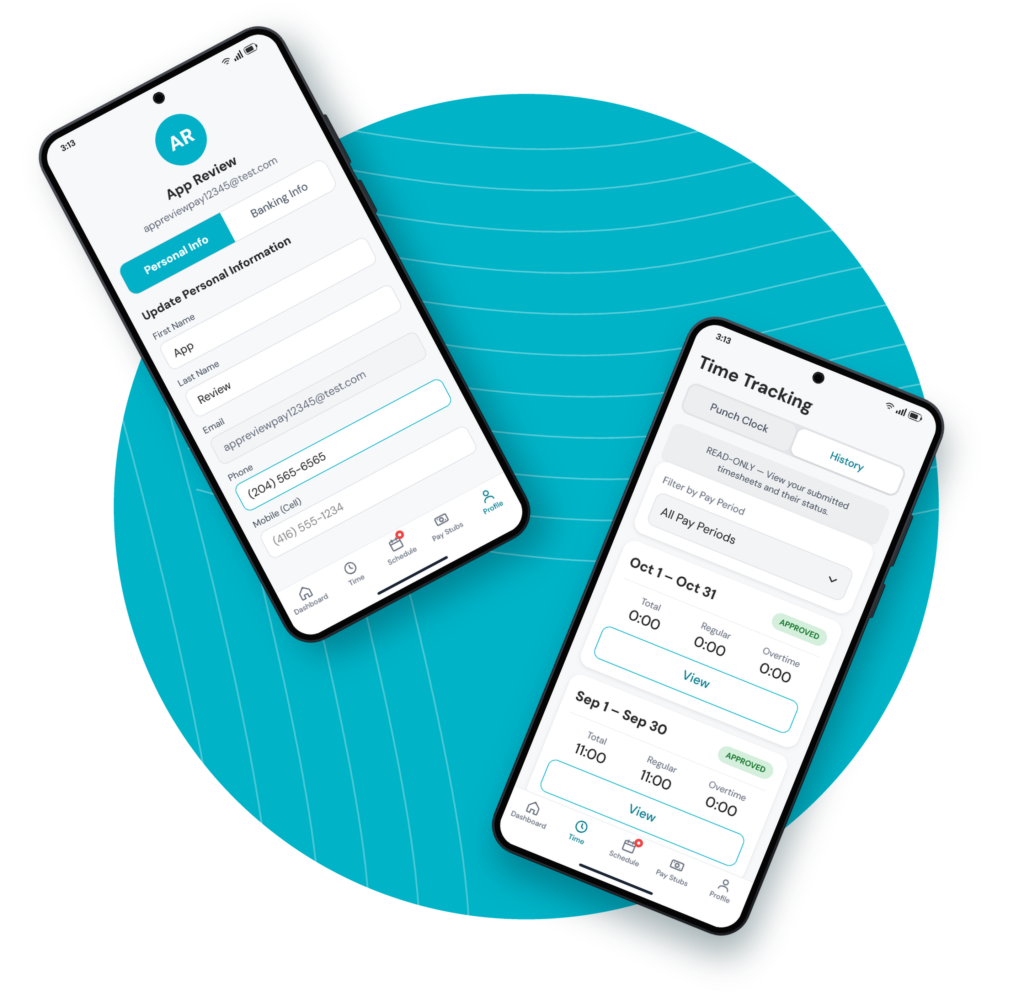
Clock in, start and end breaks and lunch, and clock out with large, simple buttons. Pick the job you’re working on and add a note to a punch. See whether you’re working, on break or clocked out, and check past timesheets by pay period with their status.
My Schedule
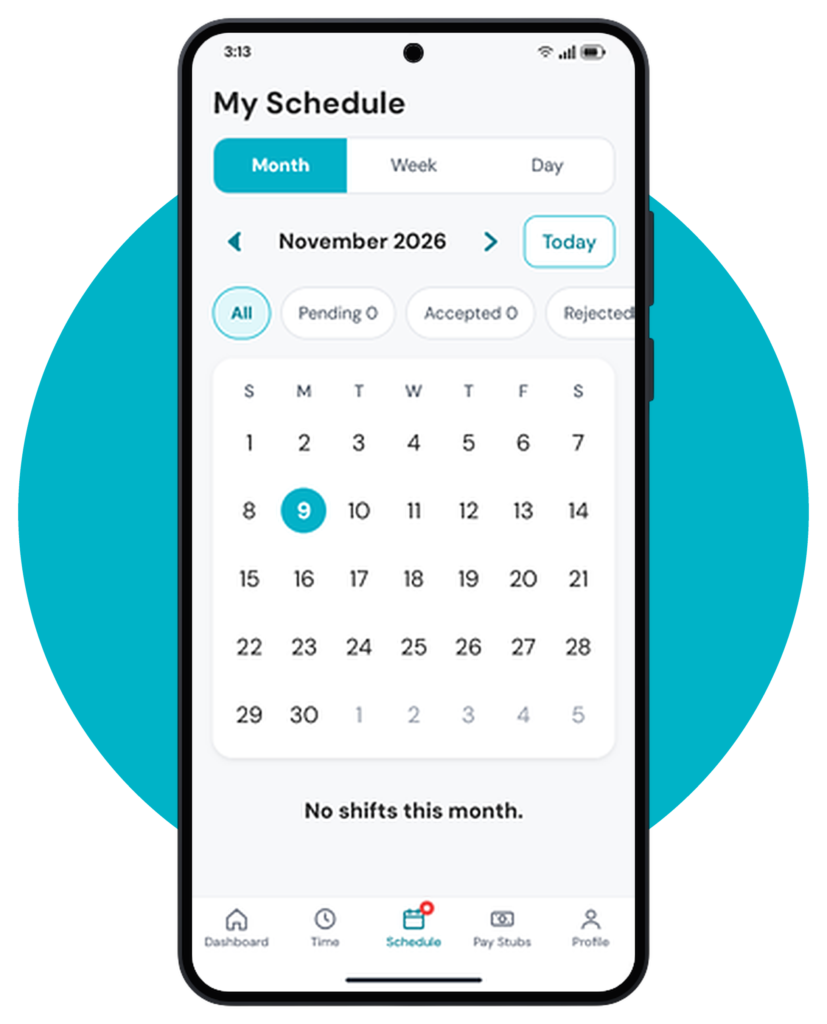
View your shifts by day, week or month, filtered by status, with each day’s total hours. Accept or reject new shifts in a couple of taps, and get a push notification when a shift is added, changed or cancelled. Tell your manager when you can work in Availability.
Open Shifts & Swaps
Claim open shifts, give away an accepted shift you can’t work, or propose a swap with a coworker. For a swap, your coworker accepts first, then the manager approves. Follow each request’s progress and history, and get notified of every decision.
Pay Stubs
Your three most recent pay stubs are right there, and you can search further back by date or pay period. See the full breakdown of hours, vacation and stat holiday pay, reimbursements and every deduction line, plus year-to-date totals. Download or share the PDF.
Banked Vacation
See your banked vacation balance in dollars and hours, including what’s available and what’s already requested. Request a payout and follow it from pending to approved to paid, with a full history of the bank.
Profile & Direct Deposit
Edit your personal information and direct-deposit details. SIN and banking numbers stay hidden until you choose to show them. Upload, view or remove a void cheque, and request deletion of your personal information from inside the app.
On our ABMBooks web platform you can do the following
Timesheets & Jobs
Turn timesheets on for the account and decide how tracked hours flow into payroll. Set up jobs so each punch is recorded against the right job. See every punch, including punches made from the app, and review and approve timesheets before payroll runs.
Schedule & Availability
Build the schedule and assign shifts to employees and jobs. See who has accepted or rejected each shift. Review each employee’s submitted availability and approve or reject it. Shifts inside approved availability can be accepted automatically. Shift times always appear in your business’s own time zone, the same on web and on every phone.
Open Shifts & Swap Approvals
Post open shifts that any eligible employee can claim. Approve or reject every claim and every swap from one review page, and get an email whenever something is waiting for review. A rejected claim reopens the shift for someone else, and a rejected swap leaves both shifts unchanged.
Payroll & Pay Stubs
Run payroll as usual. Committing a run is all it takes to deliver pay stubs, and employees are notified that theirs is ready, with no amount on the lock screen. Downloaded pay stubs always show your business’s and the employee’s current name, address and logo.
Vacation Pay & Payouts
Choose, per employee, whether vacation pay is paid each period or banked. Approve or reject payout requests, optionally with a note. Approved payouts are added to the next payroll run automatically.
Employee Profile & Direct Deposit
Employees update their own address, contact and banking details, which saves admin time and keeps payroll records current. Employees upload a void cheque (photo or PDF), which is stored with their employee record.
To learn more about our manager app you can check the page here.
Talk to our experts
Schedule a quick chat and make your workflow seamless.